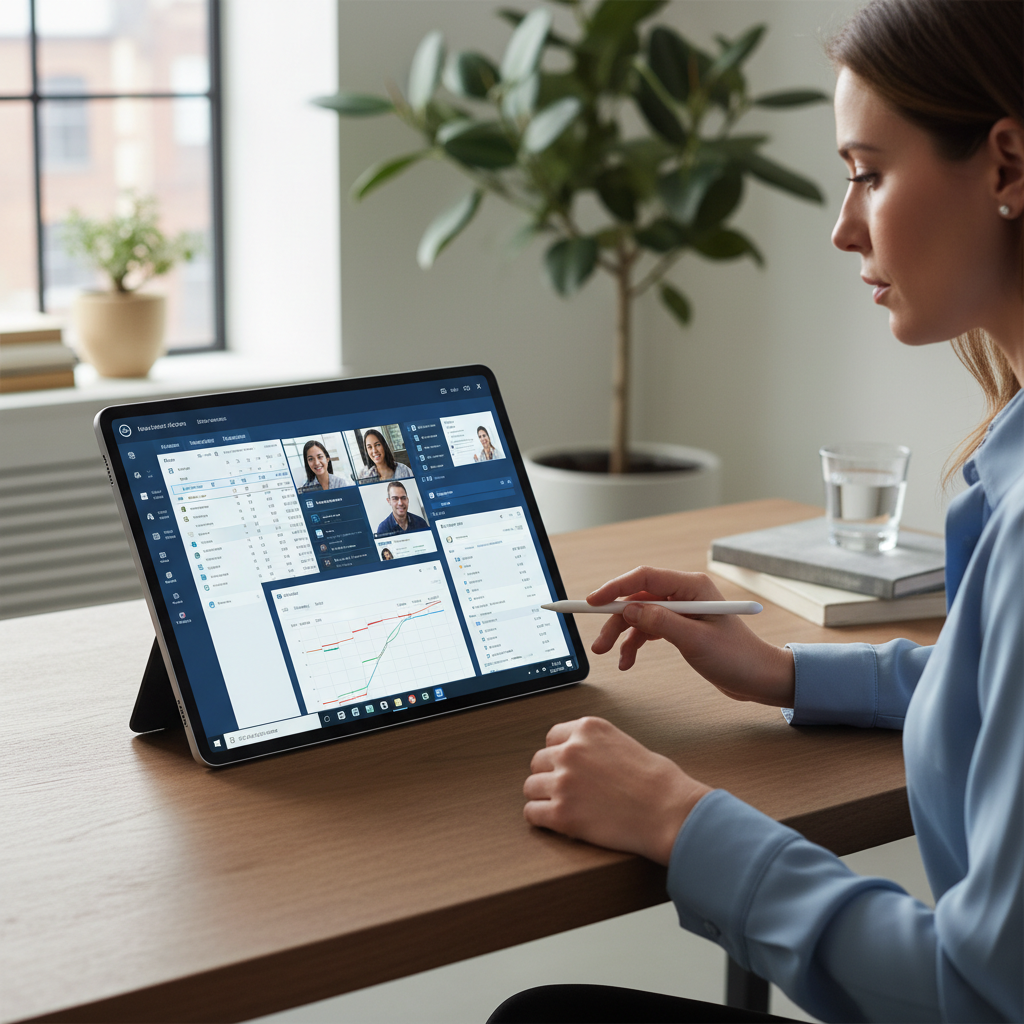
Your full desktop. Any device. Anywhere in the world.
Virtual desktop puts your complete Windows environment in the cloud. Your team gets the same desktop, applications, and files from any device. Data never leaves the cloud. IT management becomes simple.
A complete cloud desktop built for your business.
Our virtual desktop deployments give your team a consistent, secure, and fully managed Windows environment accessible from any device, anywhere.
Full Windows Desktop in the Cloud
A complete Windows desktop environment hosted in the cloud and accessible from any device. Your team gets the same desktop, applications, and files whether they are in the office or working remotely.
Azure Virtual Desktop Deployment
Microsoft Azure Virtual Desktop configured and managed for your organisation. Scales up and down with your team. Integrated with Microsoft 365 and your existing applications.
Centralised Security and Compliance
All data stays in the cloud. Nothing stored on end-user devices. Security policies enforced centrally. Compliance controls applied consistently across every user session.
Application Delivery and Management
Business applications published to virtual desktops and kept up to date centrally. New applications deployed to all users simultaneously. Legacy applications that cannot run in the cloud handled via RemoteApp.
Multi-Session and Pooled Desktops
Shared desktop pools for task workers and dedicated desktops for power users. Resources allocated based on actual usage patterns to optimise cost without compromising performance.
Performance Monitoring and Optimisation
Virtual desktop performance monitored continuously. Slow sessions identified and resolved before users notice. Capacity scaled proactively around business peaks.
From assessment to cloud desktop for your team.
Workspace Assessment
We review your current desktop estate, application requirements, and user profiles. Identify which users are suited to pooled desktops and which need dedicated sessions.
Virtual Desktop Design
Azure Virtual Desktop environment designed for your organisation. Image built with your applications. Network connectivity, security policies, and identity integration configured.
Pilot and User Acceptance
Pilot group deployed and tested. Performance validated against your applications. User feedback gathered and configuration adjusted. Sign-off before full rollout.
Full Rollout and Ongoing Management
All users migrated to virtual desktop. Physical devices repurposed or retired. Ongoing management of images, applications, and capacity by our Lancashire-based team.
How we have helped Lancashire businesses.
Enabling BYOD for a Growing Team
A Preston professional services firm was growing rapidly and needed to onboard new staff quickly without the cost and delay of procuring and configuring physical laptops.
Azure Virtual Desktop deployed. New staff onboarded in 15 minutes using personal devices. Hardware procurement costs reduced by 60%. IT setup time per user cut from 2 days to 30 minutes.
Securing a Remote Workforce
A Blackburn financial services company had staff working from home on personal devices. Sensitive client data was being accessed from unmanaged, potentially compromised machines.
Virtual desktop deployed so all data stays in the cloud. Personal devices used only as thin clients. No sensitive data on any end-user device. Compliance requirement met.
Multi-Site Business Standardisation
A Lancashire manufacturer with 4 sites had different desktop configurations at each location. IT support was complex and inconsistent. Software licensing was uncontrolled.
Single virtual desktop image deployed across all 4 sites. Consistent experience for all staff. IT support simplified. Software licensing consolidated and reduced.
See if virtual desktop is right for your business.
Our free virtual desktop assessment reviews your current desktop estate, identifies the right deployment model for your team, and gives you a clear cost comparison. No obligation.