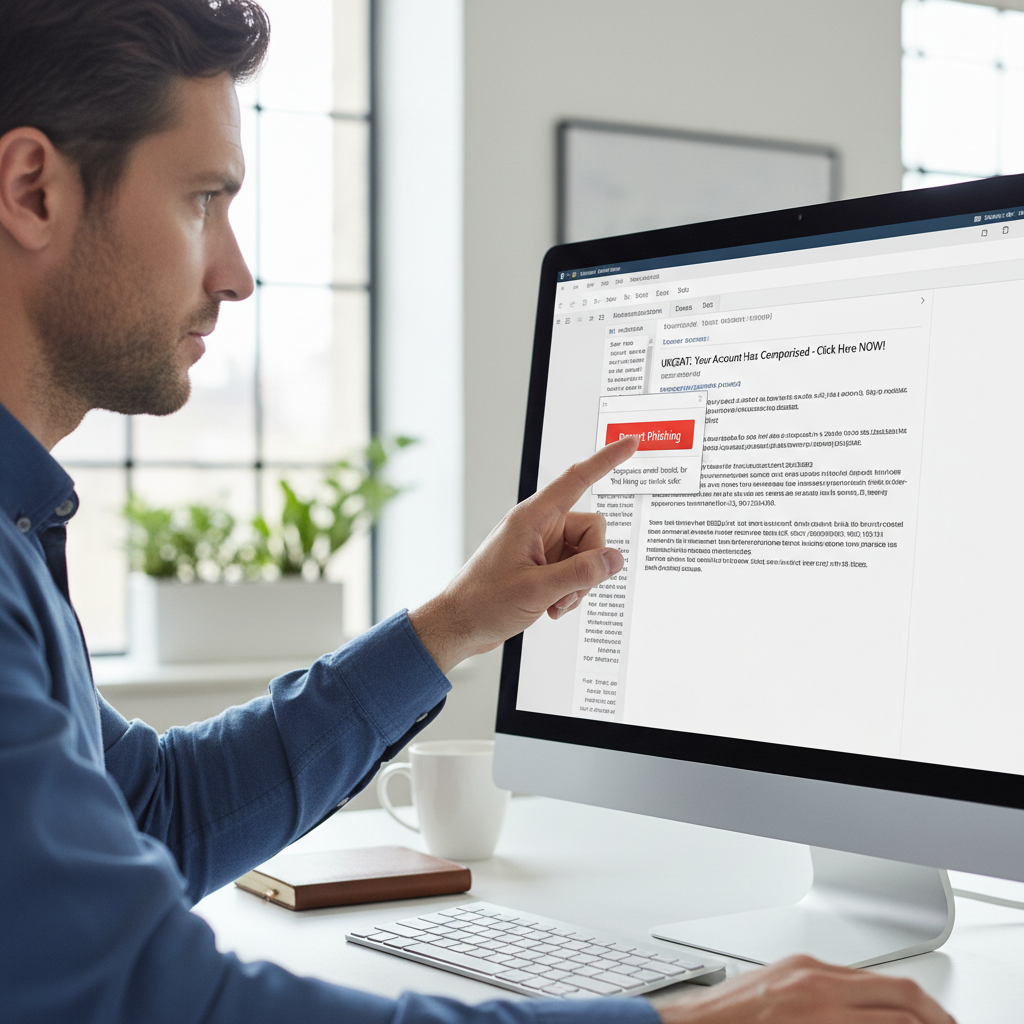
Turn your staff into a detection layer. One report protects everyone.
Your staff see phishing attempts that automated tools miss. IP Four deploys a one-click report button into Outlook, automatically analyses every reported email, and retroactively removes confirmed threats from every mailbox across your organisation within seconds.
From one-click reporting to organisation-wide protection.
Every component of our end user reporting capability is designed to make reporting effortless, response automatic, and protection comprehensive.
One-Click Report Button
A report phishing button is deployed directly into Outlook and Microsoft 365 for every user. Suspicious emails are reported with a single click, with no need to forward, copy headers, or contact IT.
Automatic Reported Email Analysis
Every reported email is automatically analysed by our security platform. Headers, links, attachments, and content are assessed. Confirmed threats trigger immediate remediation without waiting for analyst review.
Retroactive Mailbox Remediation
When a reported email is confirmed as malicious, all similar emails are automatically identified and removed from every mailbox across your organisation simultaneously. One report protects everyone.
Immediate Training for Clickers
Staff who click on phishing simulation emails receive immediate, targeted micro-training relevant to the specific technique used. Training is delivered in the moment, when it is most effective.
Reporting Analytics and Trends
Dashboards show reporting rates by department, most targeted users, most common attack types, and trend data over time. Identifies where additional training or controls are needed.
Positive Reinforcement Feedback
Users who correctly report phishing receive positive feedback confirming their report was genuine and explaining what the threat was. Reinforces the reporting behaviour and builds a security culture.
From button deployment to a reporting culture that protects.
Report Button Deployment
The phishing report button is deployed to all Outlook and Microsoft 365 clients across your organisation. Deployment is managed centrally with no action required from individual users.
Analysis Workflow Configuration
Automated analysis workflows are configured to process reported emails. Thresholds for automatic remediation versus analyst review are set based on your risk tolerance and team capacity.
Remediation Policy Setup
Retroactive remediation policies are configured to define what happens when a reported email is confirmed as malicious. Quarantine, deletion, and notification workflows are all customised to your requirements.
Staff Communication and Launch
A staff communication campaign is run to introduce the report button, explain when to use it, and set expectations about feedback. Launch is supported with guidance materials and manager briefings.
Simulation Programme Integration
Phishing simulation campaigns are integrated with the reporting workflow. Simulated phishing emails test whether staff report rather than click. Results feed into training and awareness programmes.
Ongoing Reporting Culture Development
Monthly reporting metrics are shared with management. Departments with high reporting rates are recognised. Departments with low rates receive targeted awareness campaigns to improve engagement.
How end user reporting has protected UK organisations from phishing.
Staff Report Stops Organisation-Wide Attack
A Leeds retail company had one staff member receive and report a phishing email within three minutes of delivery. The email had already been delivered to 47 other mailboxes across the organisation.
Automatic analysis confirmed the threat within 60 seconds. Retroactive remediation removed the email from all 47 mailboxes before any other staff member opened it. One report protected the entire organisation.
Reporting Culture Reduces Click Rate by 71%
A Manchester professional services firm had a 23% phishing simulation click rate when they started their programme. Staff were not reporting suspicious emails and IT had no visibility of attacks in progress.
After 12 months of simulation, reporting training, and positive reinforcement, click rate fell to 6.7% and reporting rate reached 89%. IT team gained real-time visibility of live attacks for the first time.
Rapid Response to Live Phishing Campaign
A Bristol healthcare organisation was targeted by a live phishing campaign during a busy period. The first email was reported by a staff member who had completed simulation training the previous month.
Report triggered automatic analysis and remediation within 90 seconds. Campaign blocked across all variants. 12 additional emails in the same campaign removed from other mailboxes. No credentials compromised.
Give your staff the tools to protect your entire organisation.
Deploying a phishing report button is one of the highest-impact, lowest-cost security improvements available. We can have it live across your organisation within 48 hours. Talk to us today.